
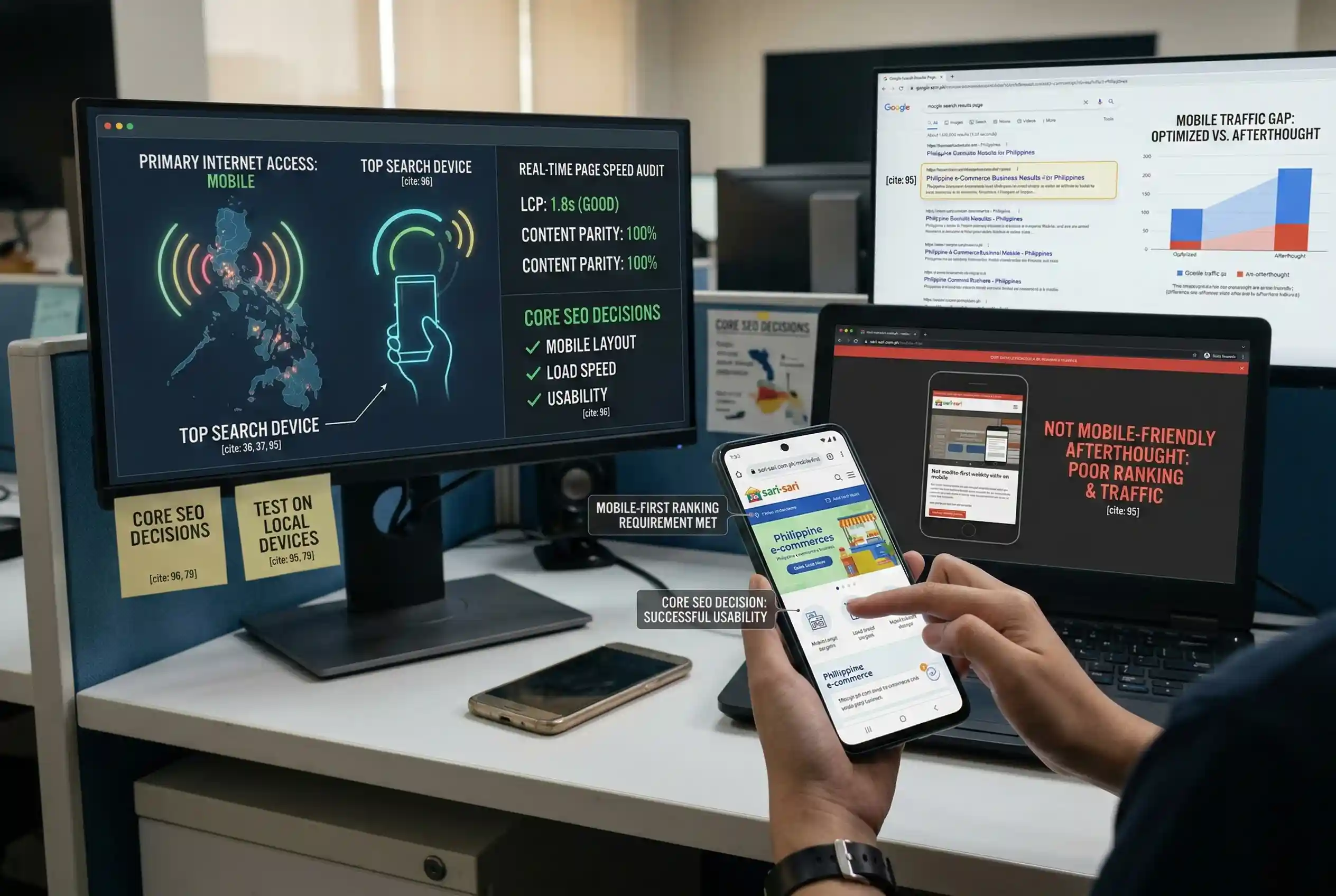
Most websites in the Philippines are still built with a desktop-first mindset. The layout is designed for a wide screen, then adjusted for mobile as a second step. That approach no longer works for search.
Google switched to mobile-first indexing in 2023, making it the default for all websites. This means Google now evaluates your site through the same lens as a smartphone user. If your mobile site loads slowly, hides content, or breaks on small screens, those problems directly affect your position in search results.
This guide explains what mobile-first indexing requires, how Philippine mobile use patterns shape those requirements, and which specific design decisions move the needle on local search visibility.
Why Mobile-First Indexing Changes How Philippine Sites Are Ranked
What Mobile-First Indexing Actually Means
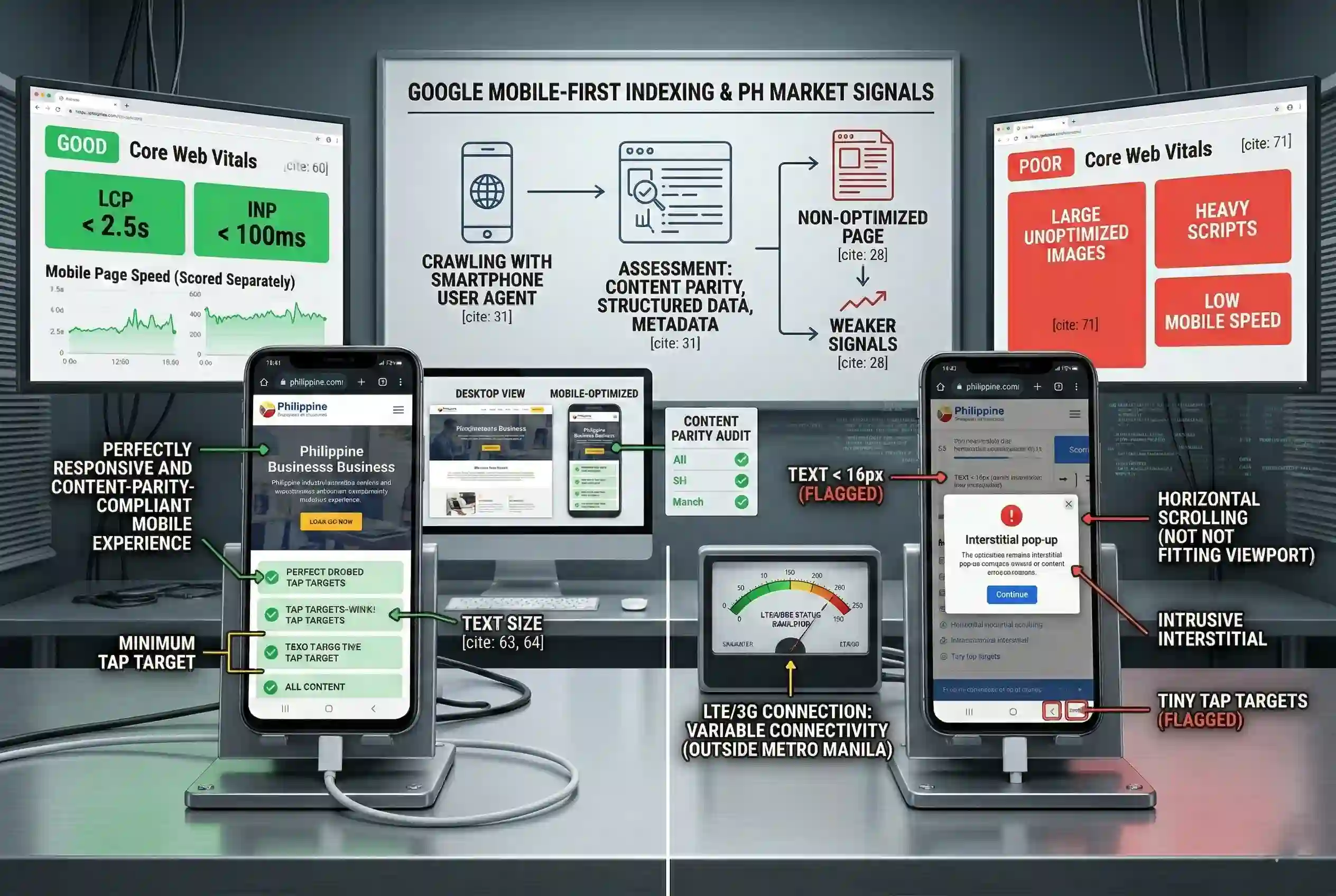
Mobile-first indexing means Google’s crawler visits your website using a mobile user agent. It reads the mobile version of your site first. The content, links, and structured data it finds on that mobile version are what get recorded in the index and used for ranking.
If your site has no mobile version, Google falls back to the desktop version. But the signals it picks up from a non-mobile-optimized page are weaker. Philippine businesses without a working mobile experience are effectively asking Google to rank an incomplete picture of their site.
How Google Assesses Your Mobile Site
Googlebot uses a smartphone user agent when it crawls. It checks how your pages render, whether content is the same on mobile and desktop, whether structured data is present, and whether metadata loads correctly. If your mobile site hides sections that appear on desktop (through CSS, conditional loading, or JavaScript), that content may not appear in the index at all.
The Philippine Mobile Market and What It Means for SEO Design
Mobile Internet Use in the Philippines
The Philippines consistently ranks among the highest in Southeast Asia for mobile internet use. [1] Most search queries from Filipino users originate on smartphones. [2] When someone searches for a product, service, or local business, they are likely doing it on a phone (often on a mobile data connection rather than broadband).
A site that loads slowly loses visitors before the page finishes loading. High bounce rates and low dwell time send negative signals to Google. In a market where most searches happen on mobile, a poor mobile experience hurts both user retention and search rankings at the same time.
Network Conditions That Affect Mobile SEO in the Philippines
Outside Metro Manila, mobile connectivity is variable. [3] Pages with large image files, heavy scripts, or unoptimized fonts load slowly on standard LTE or 3G connections. These are not just user experience problems: they are Core Web Vitals problems.
Google’s Core Web Vitals measure real-world loading performance, visual stability, and interactivity. Scores below Google’s thresholds feed directly into search rankings. Philippine businesses targeting users outside major urban areas need to design for slower connections, not just fast ones.
Mobile Design Requirements That Directly Affect Search Rankings
Responsive Layout and Content Parity
Content parity means every piece of content on your desktop site also appears on your mobile site. This is not about visual design: it is about what Google can read and index. Follow these steps:
- Use a responsive design framework so the layout adapts to any screen size
- Make sure all text, images, and links visible on desktop also appear on mobile
- Remove conditional code that hides sections on mobile unless that content is genuinely unnecessary
- Confirm that title tags and meta descriptions render correctly when viewed on a smartphone
Page Speed as a Ranking Factor
Page speed on mobile is scored separately from desktop in Google Search Console. A fast desktop site does not offset a slow mobile site. To improve mobile load times:
- Compress images and serve them at the size they will display on mobile screens
- Remove third-party scripts that are not needed for the page to function
- Use browser caching and lazy loading for images below the visible area
- Target Core Web Vitals scores in the good range: under 2.5s for Largest Contentful Paint, under 100ms for Interaction to Next Paint
Mobile Usability Signals Google Measures
Google’s Mobile Usability report in Search Console flags specific issues that affect rankings. The most common ones are:
- Tap targets too small or too close together: buttons and links must be large enough for fingers to select accurately
- Text too small to read without zooming: default font sizes below 16px on mobile are flagged
- Content wider than the screen: horizontal scrolling means the layout is not fitting the viewport
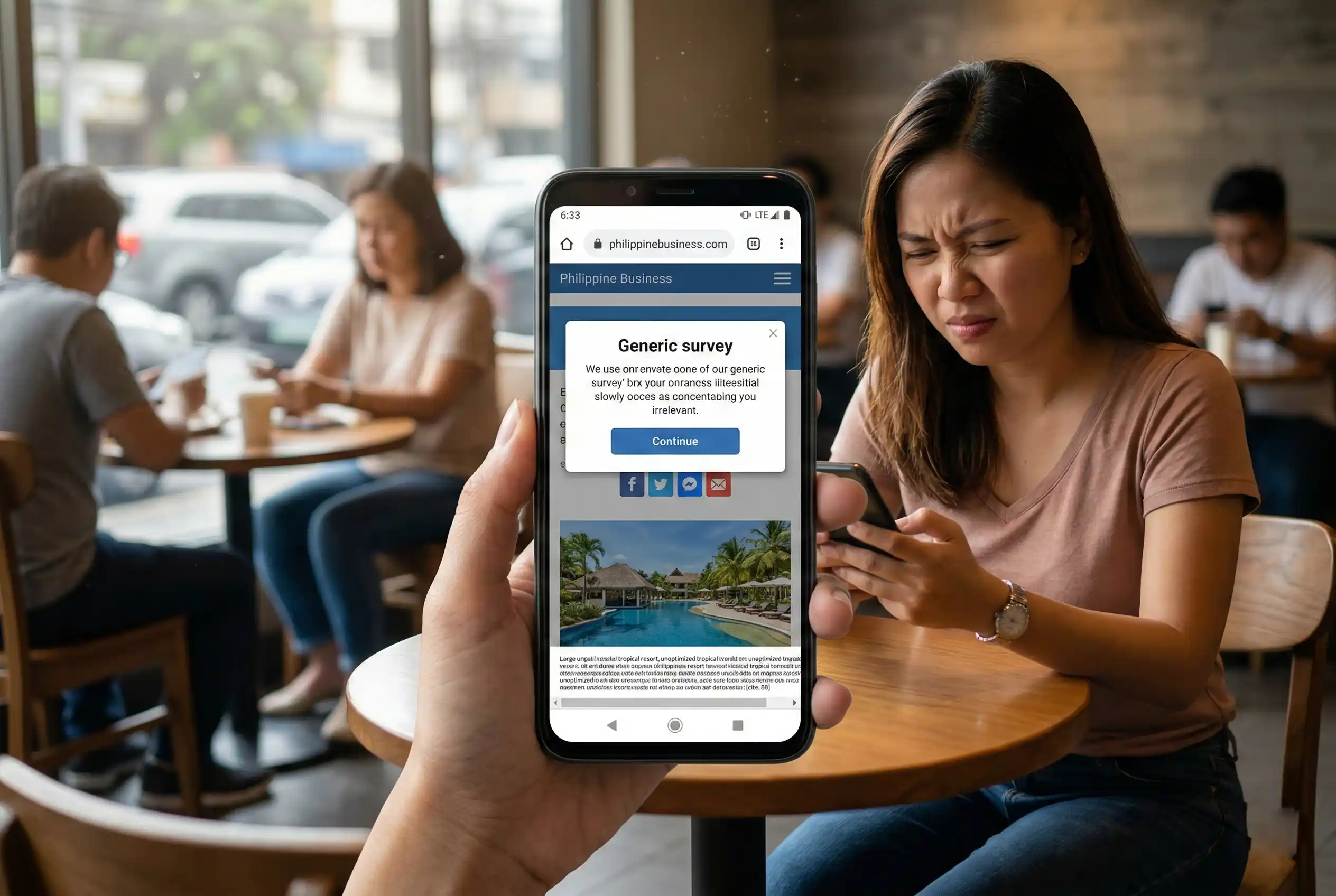
- Intrusive interstitials: pop-ups that cover the main content on mobile can result in a ranking penalty
Common Mobile Design Mistakes That Hurt Philippine Site Rankings
These are the most frequent design decisions that lower search visibility for Philippine websites:
- Building desktop-first, then treating mobile as a secondary adaptation rather than the starting point
- Using font sizes that are readable on large screens but too small for phones
- Loading full-size images not resized for mobile viewports, slowing load time and wasting data
- Relying on Flash or browser features not supported on mobile
- Not testing on actual mobile devices and connection speeds common in the Philippine market
How to Check if Your Site Meets Mobile-First Indexing Standards
Use this five-step process to audit your site against Google’s mobile-first requirements:
- Run Google’s Mobile-Friendly Test on your URL to get an immediate pass or fail on basic mobile rendering
- Open Google Search Console and review the Mobile Usability report for specific issues flagged on your pages
- Check the Core Web Vitals report: compare mobile and desktop scores and identify which pages fall below the good threshold
- Test manually on Android devices that are common in the Philippine market, not just on the latest flagship models
- Run a content parity audit: confirm that everything indexed on your desktop version also appears on the mobile version
Strategic Takeaway
Mobile-first is not a design preference: it is a ranking requirement set by Google. Every site is now evaluated as a mobile site first.
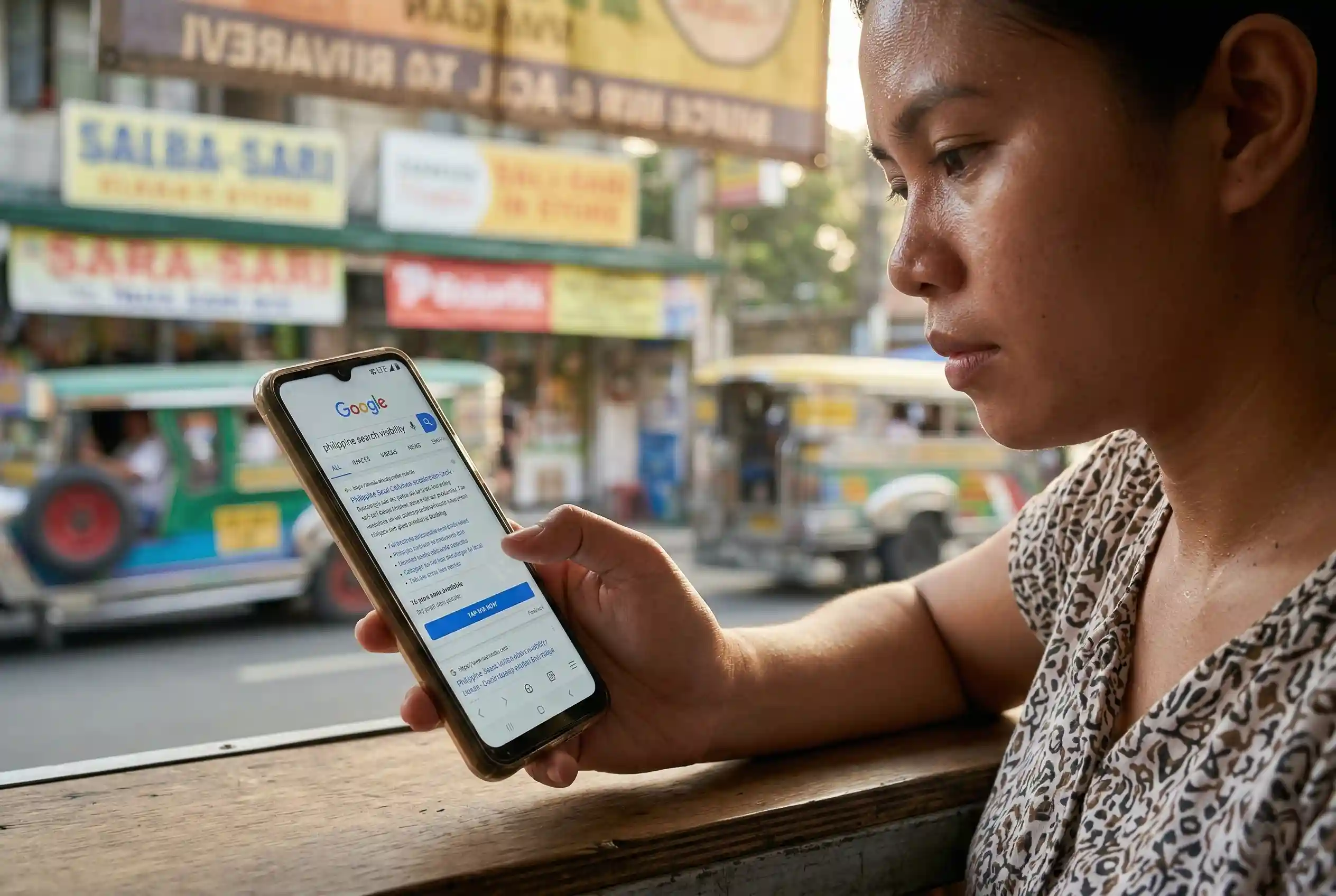
In the Philippines, where mobile is how most people access the internet and conduct searches, the gap between a well-optimized mobile site and a poorly optimized one shows up directly in search rankings and traffic numbers.
Web designers, developers, and business owners in the Philippines need to treat mobile layout, load speed, and usability as core SEO decisions, not afterthoughts applied once the desktop version is done.
Frequently Asked Questions